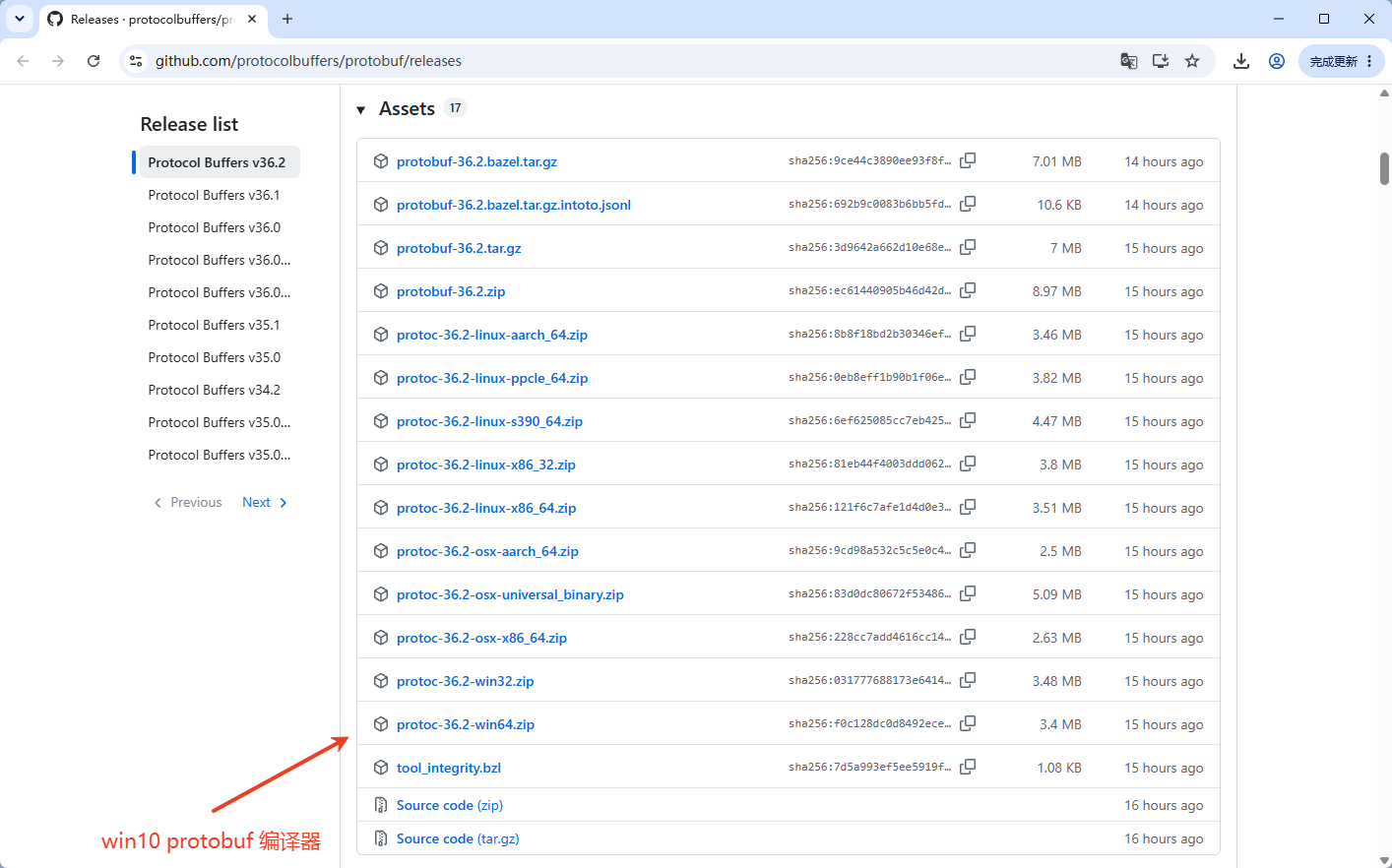
副本镜像地址:https://quay.io/repository/coreos/etcd
这里会列出 etcd 的最新版本。当前最新版本 3.7.2
注意:放弃使用 bitnami/etcd 镜像。
基于环境变量的单节点 etcd 部署
services:
  etcd:
    image: quay.io/coreos/etcd:v3.7.2
    container_name: etcd-server
    environment:
      - TZ=${TZ:-Asia/Shanghai}
      - ETCD_NAME=etcd-server
      - ETCD_DATA_DIR=/var/etcd
      # listen:容器内部监听全部网卡,不要改0.0.0.0
      - ETCD_LISTEN_CLIENT_URLS=http://0.0.0.0:2379
      - ETCD_LISTEN_PEER_URLS=http://0.0.0.0:2380
      # 对外客户端广播地址,同docker网络业务容器使用 etcd‑server:2379
      - ETCD_ADVERTISE_CLIENT_URLS=http://etcd-server:2379
      # peer广播地址,单节点这里就用域名
      - ETCD_INITIAL_ADVERTISE_PEER_URLS=http://etcd-server:2380
      - ETCD_INITIAL_CLUSTER_TOKEN=etcd-cluster
      # initial‑cluster 和 advertise peer保持一致,全部域名
      - ETCD_INITIAL_CLUSTER=etcd-server=http://etcd-server:2380
      # 单节点docker环境,全新初始化打开 force‑new‑cluster,规避启动瞬间DNS时序问题
      - ETCD_FORCE_NEW_CLUSTER=${ETCD_FORCE_NEW_CLUSTER:-false}
      # 生产常态使用 existing;清空数据首次初始化改成 new
      - ETCD_INITIAL_CLUSTER_STATE=${ETCD_INITIAL_CLUSTER_STATE:-existing}
      - ETCD_LOGGER=zap
      - ETCD_LOG_LEVEL=${ETCD_LOG_LEVEL:-info}
      # 调优参数
      - ETCD_HEARTBEAT_INTERVAL=250
      - ETCD_ELECTION_TIMEOUT=2000
      - ETCD_MAX_REQUEST_BYTES=104857600
      - ETCD_SNAPSHOT_COUNT=50000
      # 设置 root 账号密码
      # - ETCD_ROOT_PASSWORD=xxxxxx
    volumes:
      - ${DOCKER_VOLUME_DIRECTORY:-./etcd-data}:/var/etcd
    ports:
      - "127.0.0.1:2379:2379"
      - "127.0.0.1:2380:2380"
    restart: always
    networks:
      - xr-net

networks:
  xr-net:
    name: xr-net
    driver: bridge
下边是 .env 文件
TZ=Asia/Shanghai

# 数据卷
DOCKER_VOLUME_DIRECTORY=./etcd-data

# 全新初始化:new;日常运行:existing
ETCD_INITIAL_CLUSTER_STATE=new
ETCD_LOG_LEVEL=info
运行起来: docker compose up -d
查看:docker compose ps
# docker compose ps
NAME          IMAGE                        COMMAND                 SERVICE   CREATED          STATUS          PORTS
etcd-server quay.io/coreos/etcd:v3.7.2 "/usr/local/bin/etcd" etcd 10 minutes ago Up 10 minutes 127.0.0.1:2379-2380->2379-2380/tcp在浏览器中打开:http://127.0.0.1:2379/version
会看到输出: {"etcdserver":"3.7.2","etcdcluster":"3.7.0","storage":"3.7.0"}
相关参考
https://oldme.net/article/32
https://cloud.tencent.com/developer/article/2392231