
安装 gRPC
go install google.golang.org/protobuf/cmd/protoc-gen-go@latest
go install google.golang.org/grpc/cmd/protoc-gen-go-grpc@latest
安装 protobuf 编译器
官网下载链接: https://protobuf.dev/downloads/
Github 下载链接: https://github.com/protocolbuffers/protobuf/releases
- 下载 ProtoBuf 编译器
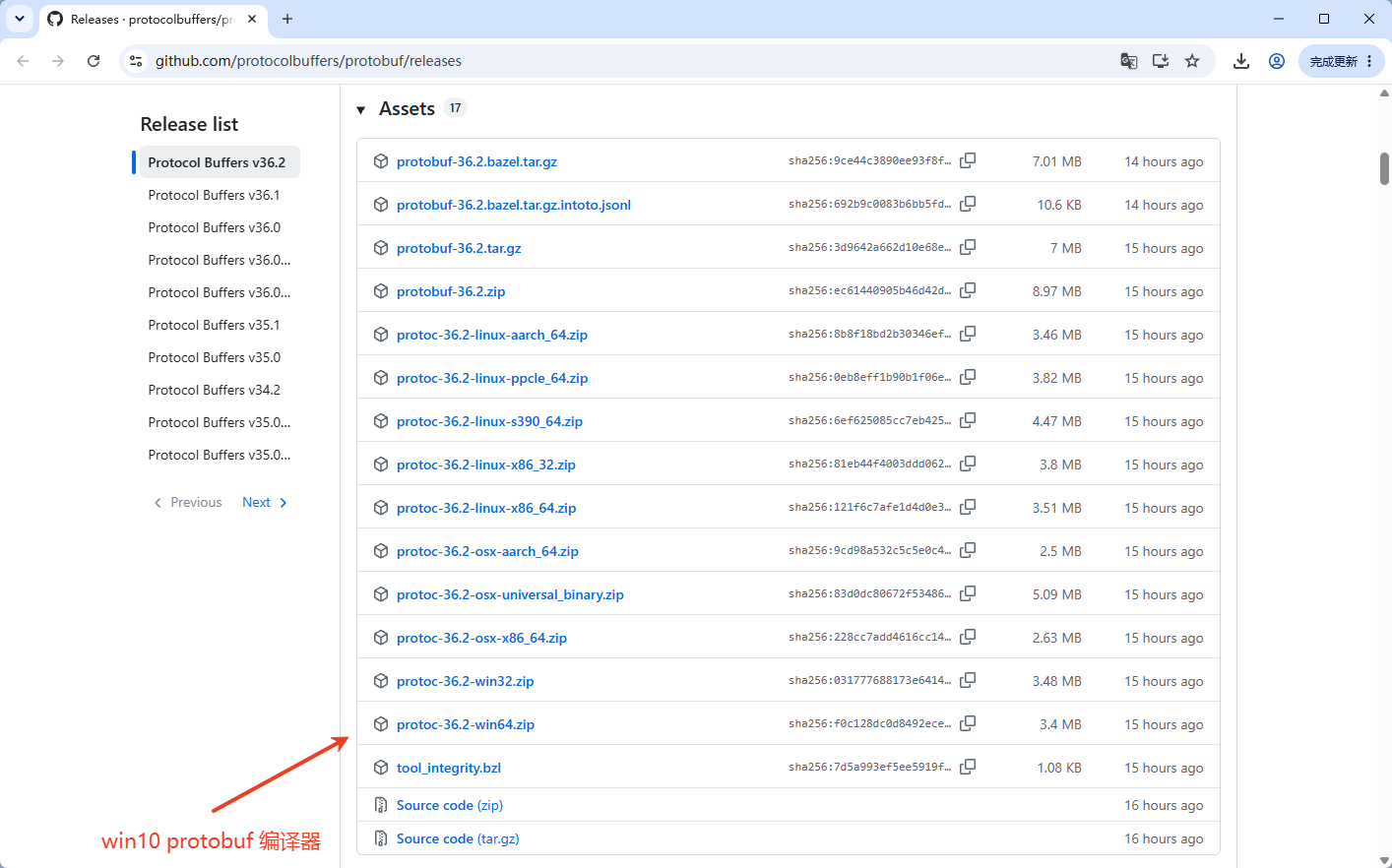
解压后,有下边这些目录。
# 只需把 bin 目录下的 exe 文件放在环境变量目录下就可以用了。
├─bin
└─include
    └─google
        └─protobuf
└─compiler-
当前用户使用,模拟 Linux 新建
~/.local/bin目录。New-Item -ItemType Directory -Force "$env:USERPROFILE\.local\bin" -
将这个目录添加到环境变量中。
# 获取现有用户PATH $userPath = [Environment]::GetEnvironmentVariable("PATH","User") if(-not $userPath.Contains("$env:USERPROFILE\.local\bin")){ [Environment]::SetEnvironmentVariable("PATH","$userPath;$env:USERPROFILE\.local\bin","User") } -
将下载解压后的 bin 目录下的 protoc.exe 放到
~/.local/bin目录下。(如果 2,3步曾经做过,直接从第一步到这步) -
重新打开终端测试。
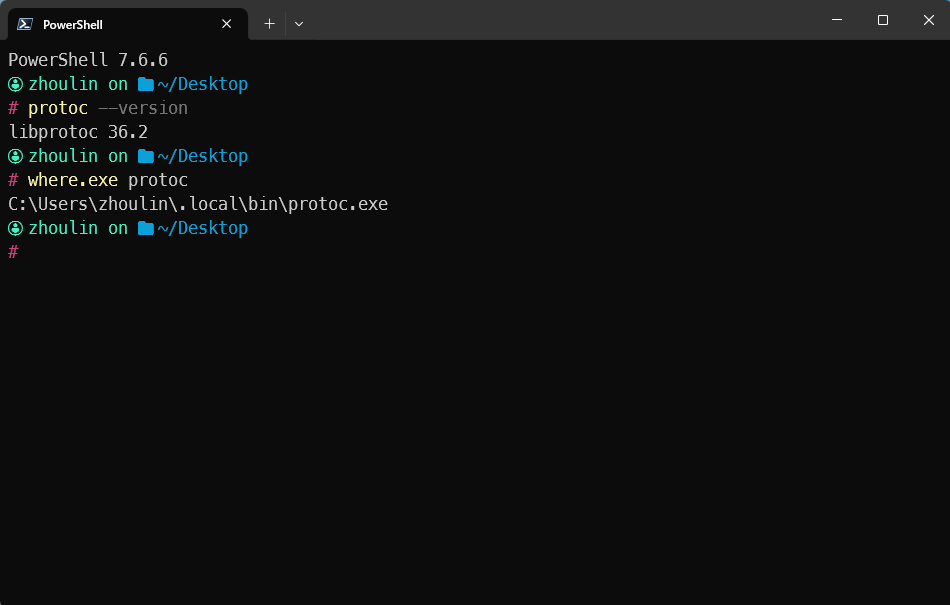
protoc --version

where.exe protoc
安装 protoc‑gen‑go 和 protoc-gen-go-grpc
go install google.golang.org/protobuf/cmd/protoc-gen-go@latest
go install google.golang.org/grpc/cmd/protoc-gen-go-grpc@latest
安装 etcd
系统中,安装了 docker。服务端也会是 docker 部署,就用 docker 来构建 etcd 服务。